Church Membership Features
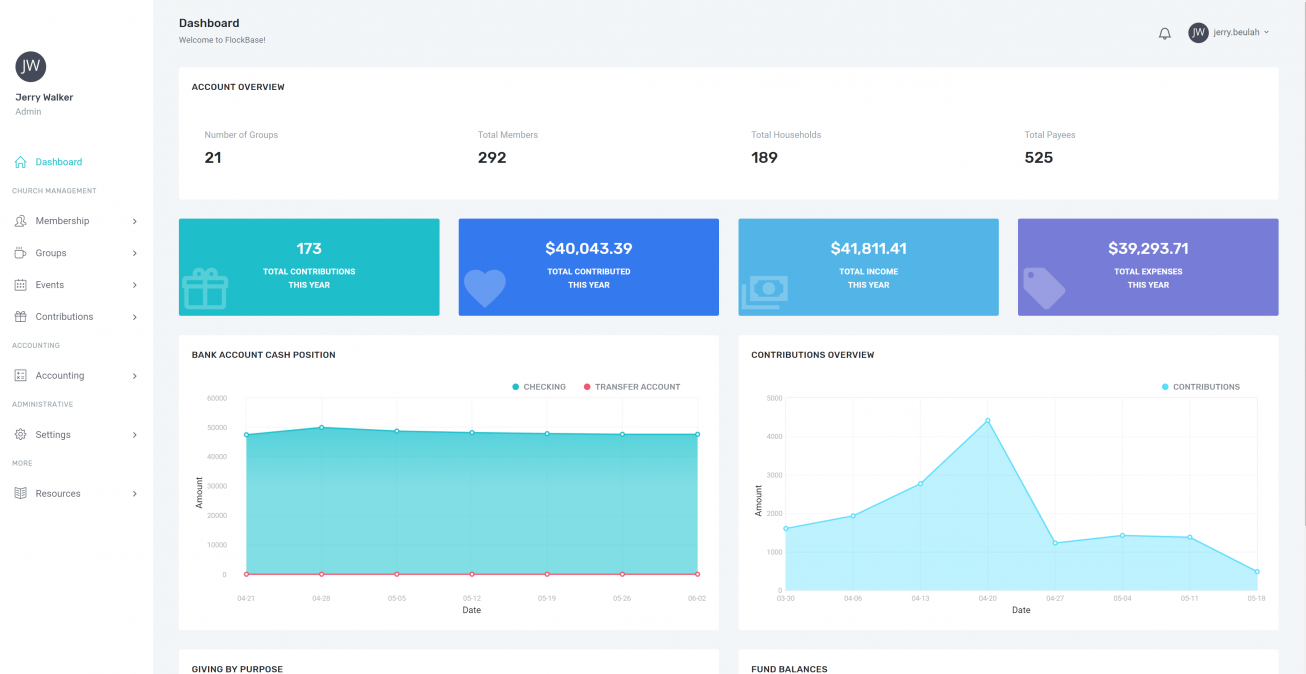
Church Membership Software has designed our product to make tracking your congregation & contributions simple for volunteers & staff alike.

Membership
Without a doubt the most important feature, keep records of members with ease!

Groups
Keep track of which members & households participate in which groups!

Contributions
Log contributions for year-end contribution statements. Offer Online Giving and Text-To-Give.

Pledges
Follow which pledges have been fulfilled, and determine if your campaign is on pace.

Attendance
Record & report attendance with ease.

Communication
Some tiers include emailing & texting. Cancel your expensive email service and save today!
Versatile yet Simple
Built to help churches of all sizes, we pride ourselves in remaining versatile yet simple.
With minimal training and setup, your church's staff and volunteers can easily learn & use the software.

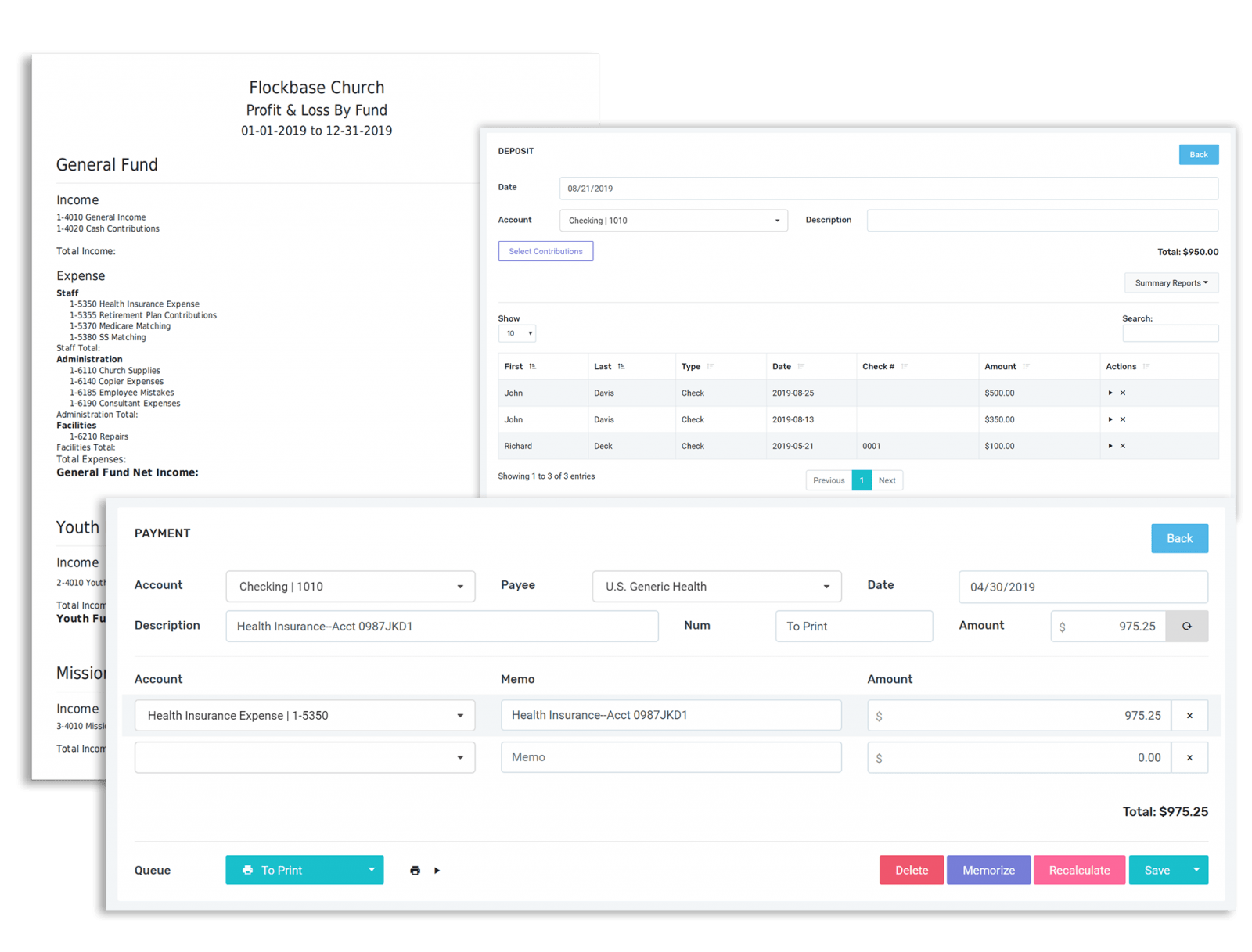
Fully-Integrated with our Accounting Software
FlockBase is built as an affordable, all-in-one church management experience. This means that your contributions can easily be associated with your membership and flow seamlessly into your accounting records.
Client Testimonials
Don't just listen to us! Ask any of the thousands of customers we've worked with since 2006!
"Easy to do the job I need to do. Saves time because it always works as it is designed. Very easy to use church software."
Sally E.
Church Volunteer
"I love Flockbase! A few years ago my pastor gave me permission to get a new church management program. We had been using a well-known expensive program that I really wasn't happy using. So, I searched the internet and that was how I found this program."
Julia P.
Church Clerk
Check Out Our Prices!
Save time & money for your church! We offer rates we’re pretty proud of.
Basic
$24
per month
For modest ministries
- Membership & Groups
- Accounting
- Top Notch Support
- Contributions & Pledges
- —
- 2 Users
- Unlimited Names
PLUS
$39
per month
For small and midsize churches
- Online Giving
- Payroll
- Direct Deposit
- Integrated Emailing
- Everything from Basic
- 5 Users
- Unlimited Names
PRO
$59
per month
For larger or savvy churches
- Attach PDFs to Payments
- –
- Document Storage
- Event Management
- Everything from Plus
- 10 Users
- Unlimited Names
Membership
$139
For tracking members & contributions!
- Members & Households
- Groups
- Attendance
- Contributions & Statements
- Data Sheets
- Directories
- User Roles & Permissions
- 12 Month Support
Combined
$269
For all your church management needs!
- Everything from Membership
- Everything from Accounting
- Seamless Integration
- –
- –
- –
- User Roles & Permissions
- 12 Month Support
Accounting
$169
For making church bookkeeping easy!
- Check Printing
- True Fund Accounting
- W2 & 1099 Payroll
- Powerful Reporting
- Budgeting
- Register Reconciliation
- User Roles & Permissions
- 12 Month Support
These packages are designed for churches that prefer an offline experience. Desktop users will not be able to take advantage of cloud features like online giving and accessing the program from anywhere.